
Bring your documents together.
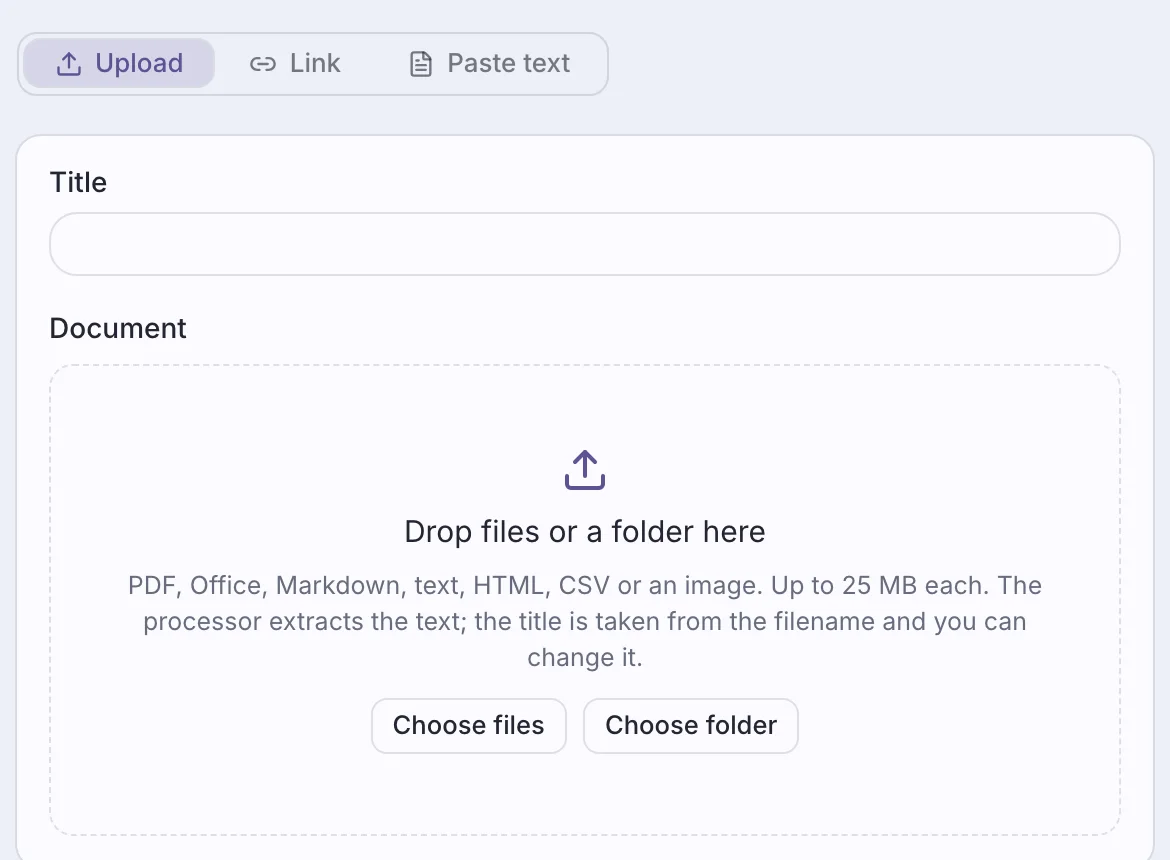
Upload files or whole folders, import web pages, or paste text. Your team can then search all of it in one place.
Ask a question, open an app, or bring in a teammate, all in one conversation.
Upload files or whole folders, import web pages, or paste text. Your team can then search all of it in one place.
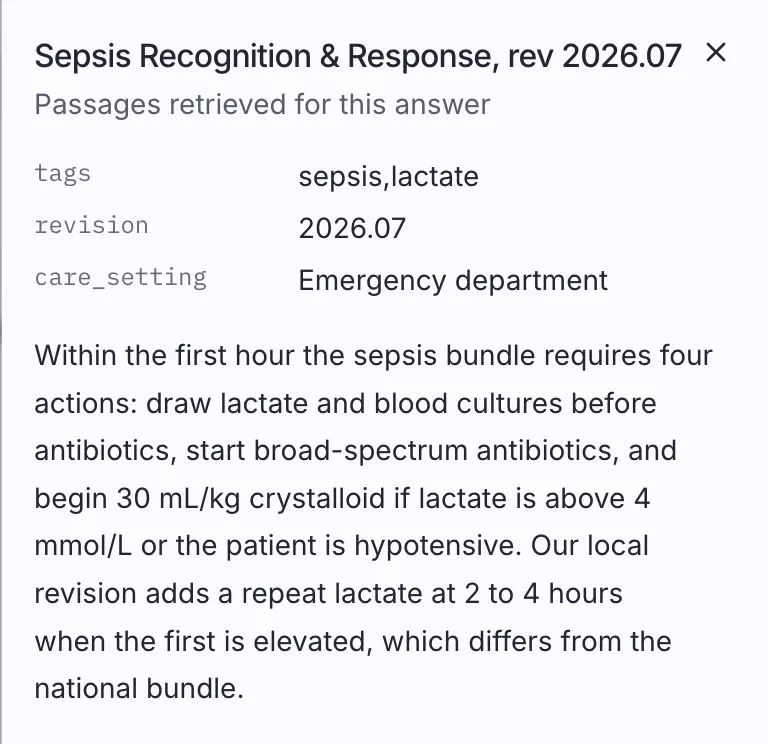
Open a source to read the passage beside the conversation. Web pages the agent searched or read are listed with the answer too.
Apps, results, and next steps show up in the conversation, so a task can start and finish there.
An agent opens the app you need, with your request already filled in.
Orders, quotes, and records show up as cards, not walls of text.
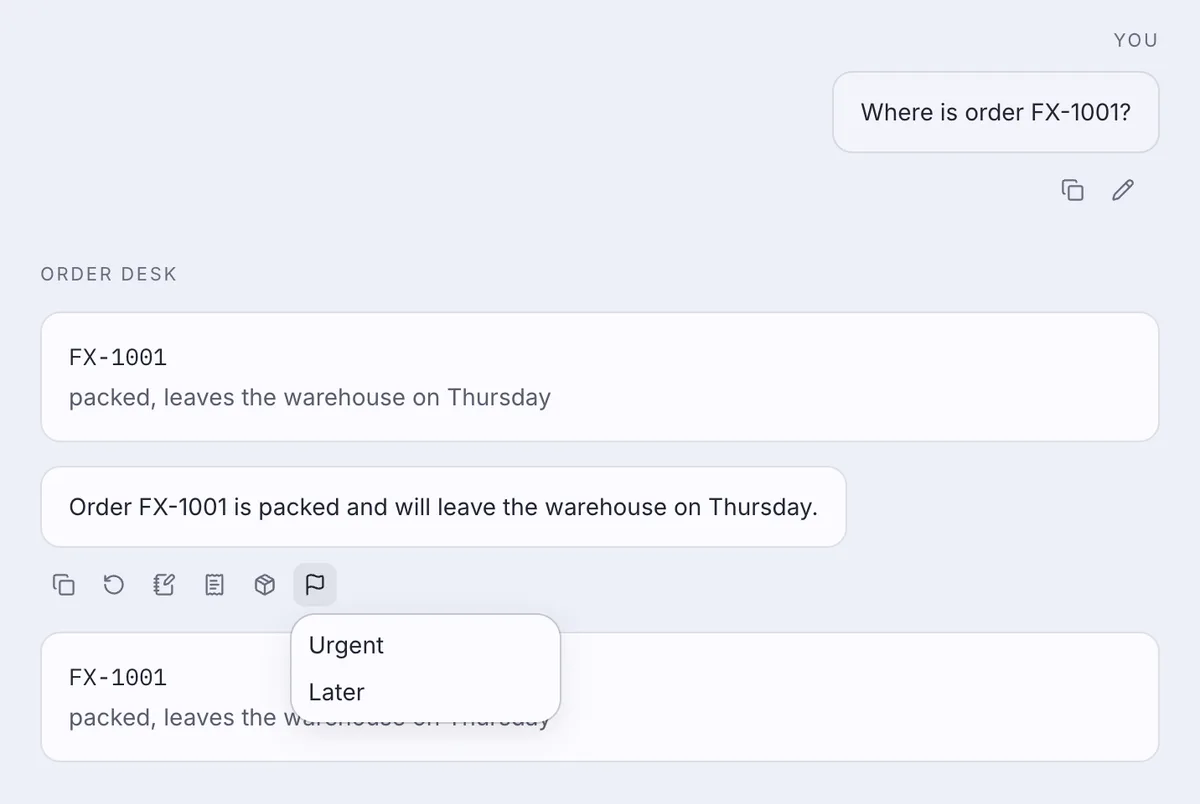
Buttons under an answer take the next step, like saving it as a note. Your solution can add its own.
Ask where an order is, and the answer brings the order as a card. The buttons under it come from your solution: show the order, open it, or flag it.
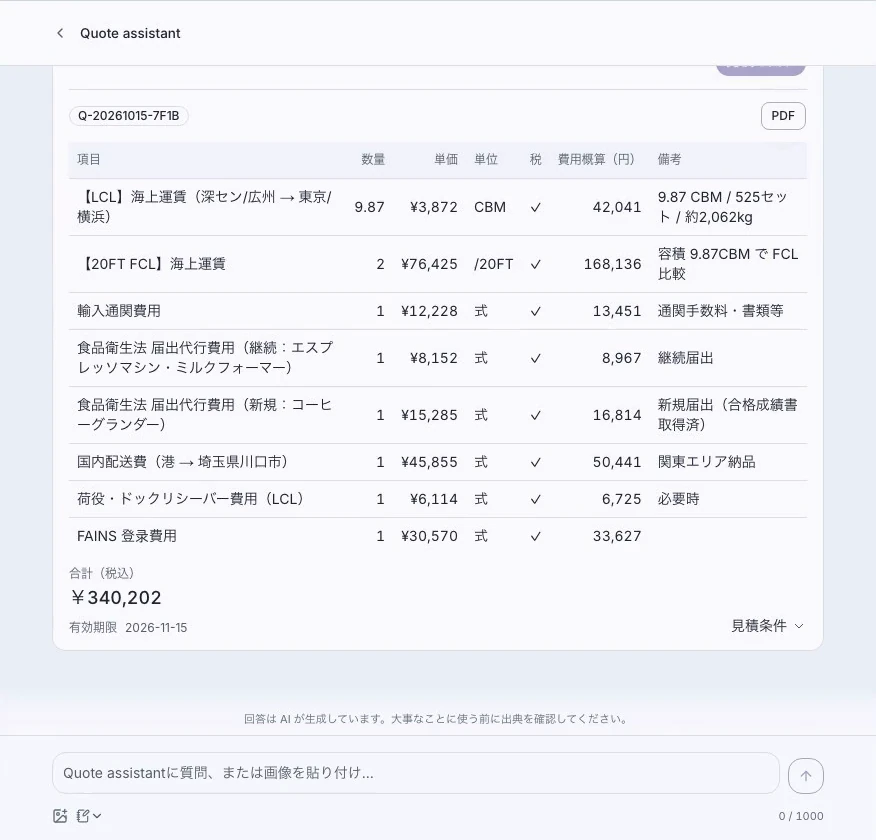
Ask for a quote, and the app opens with your shipment details filled in. Adjust the route or containers, and it totals the charges at your company’s rates.
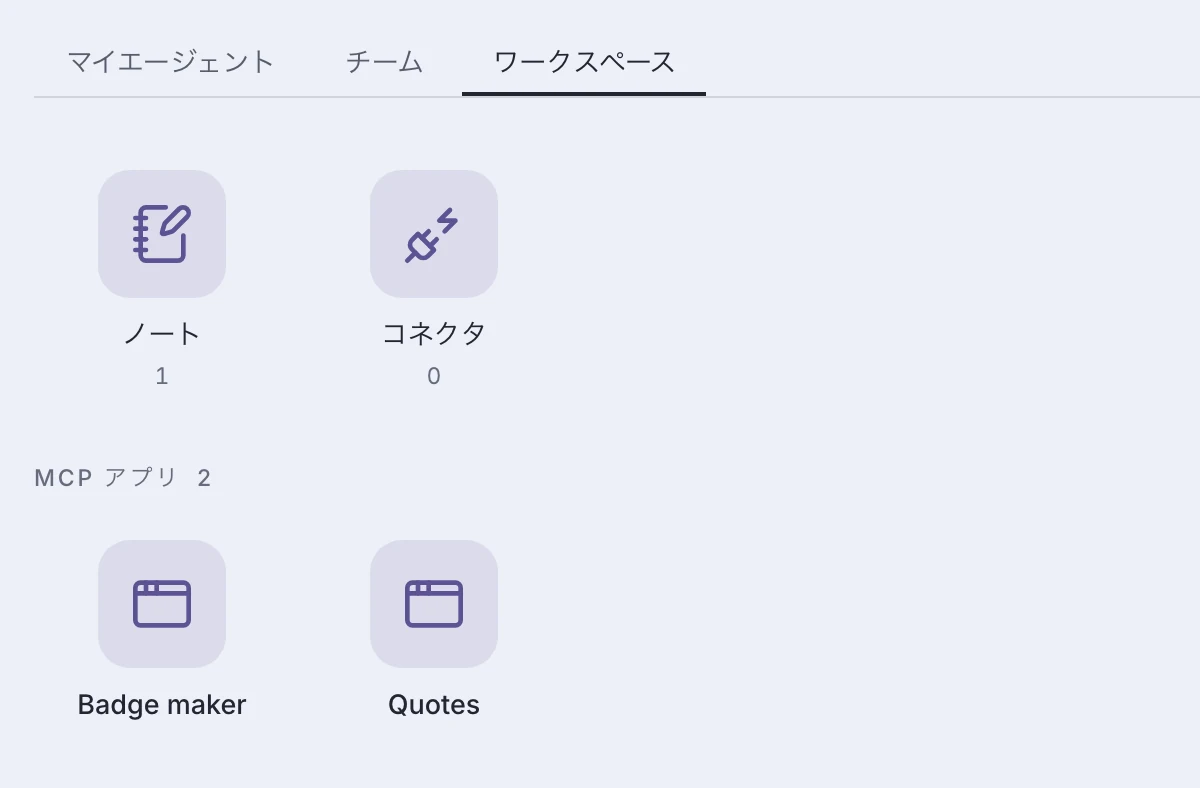
Your mini-apps are also on the Workspace, ready to open without a conversation.
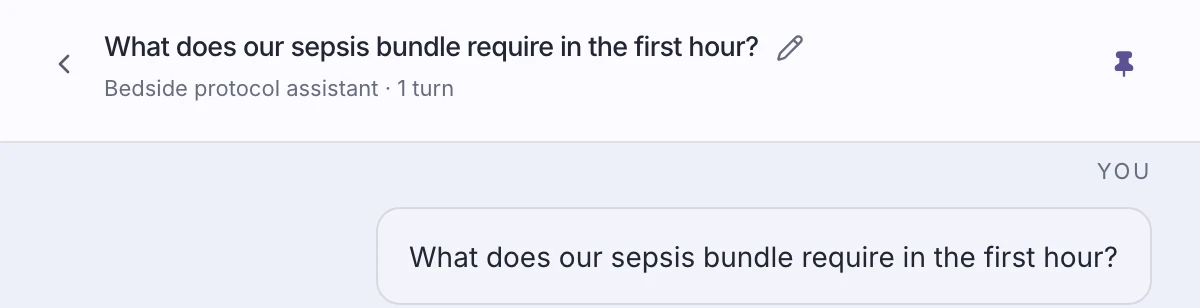
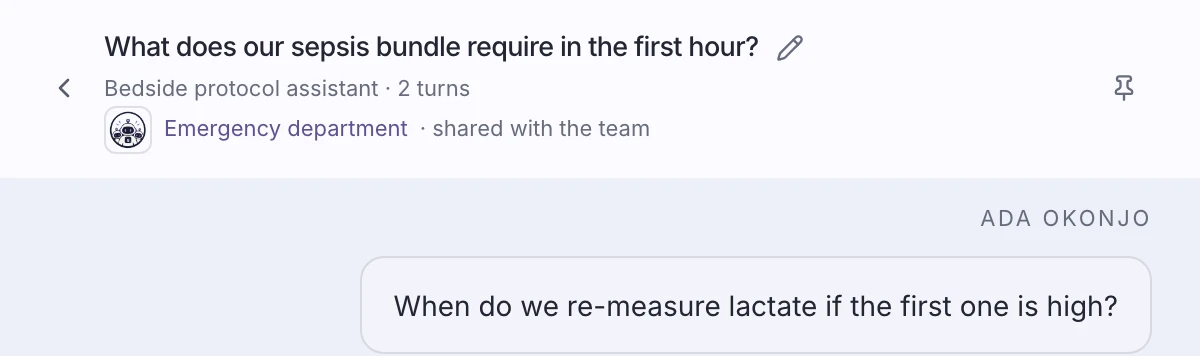
Work on your own in a personal conversation, or take on a task together in a team chat.
Personal Visible only to you and administrators
Team Everyone on the team sees new messages as they arrive
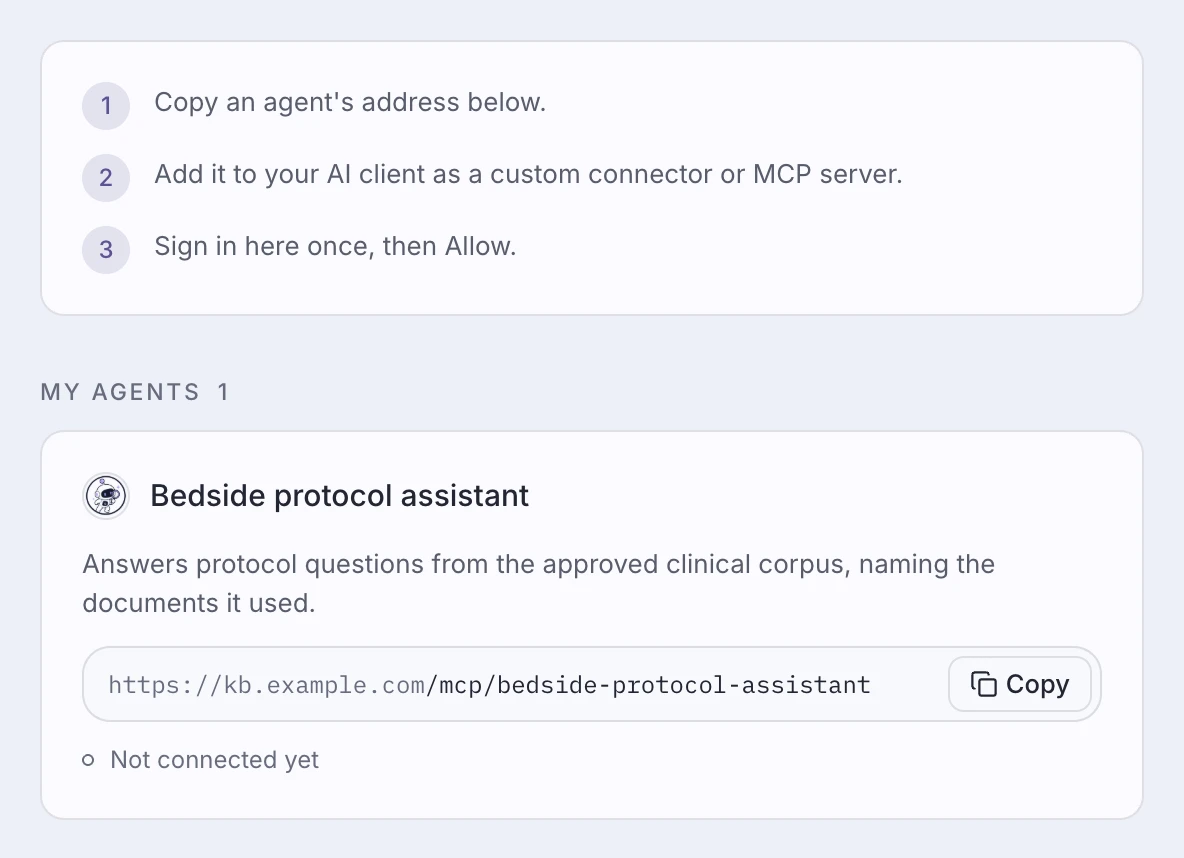
Search company knowledge from Claude, ChatGPT, or another AI product. Employees sign in with their own Groundbase account, and their usual permissions apply.
Keep an answer as a personal note and attach it to a future question.

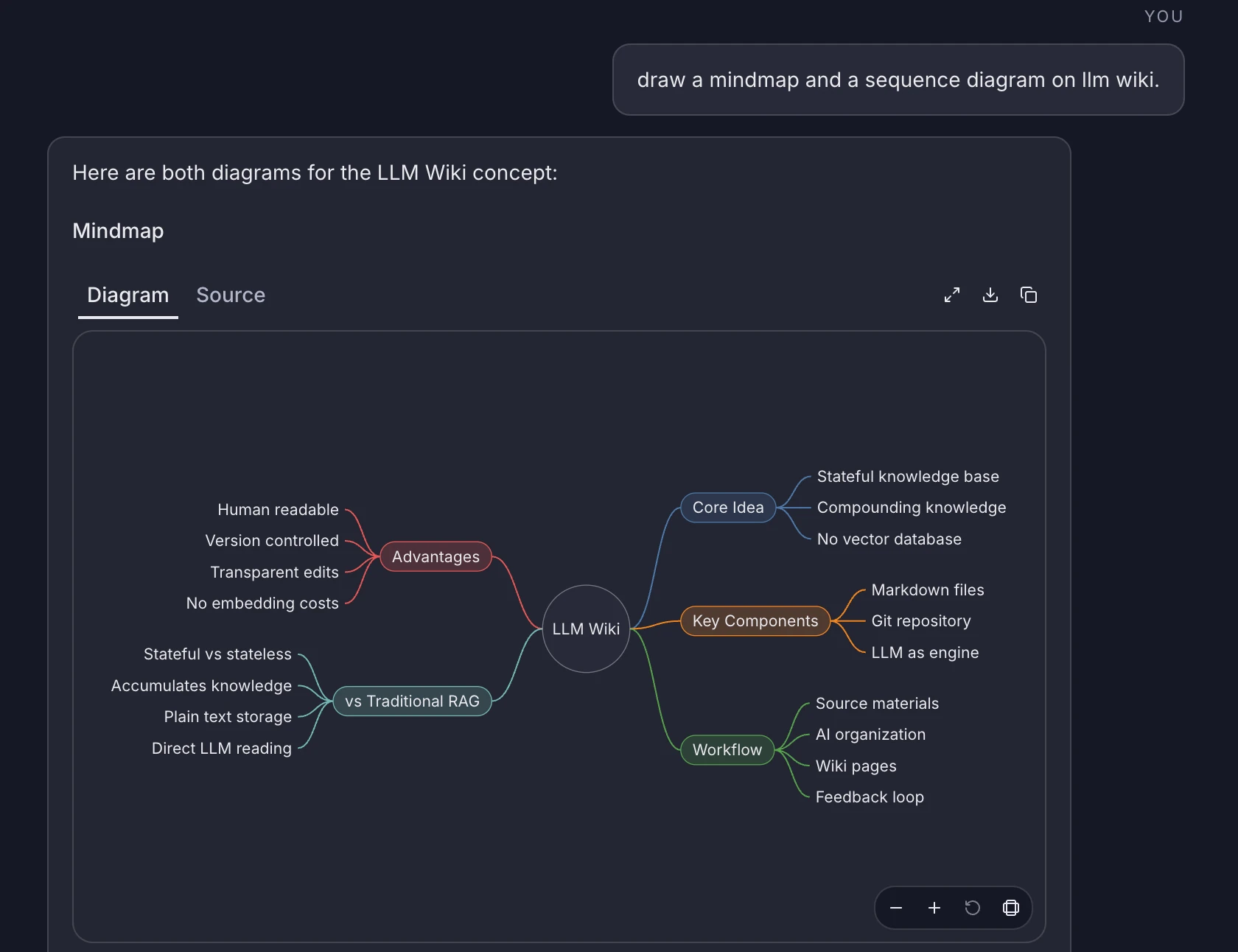
Ask for a diagram when an idea is easier to see than to read. To change it, edit its text.
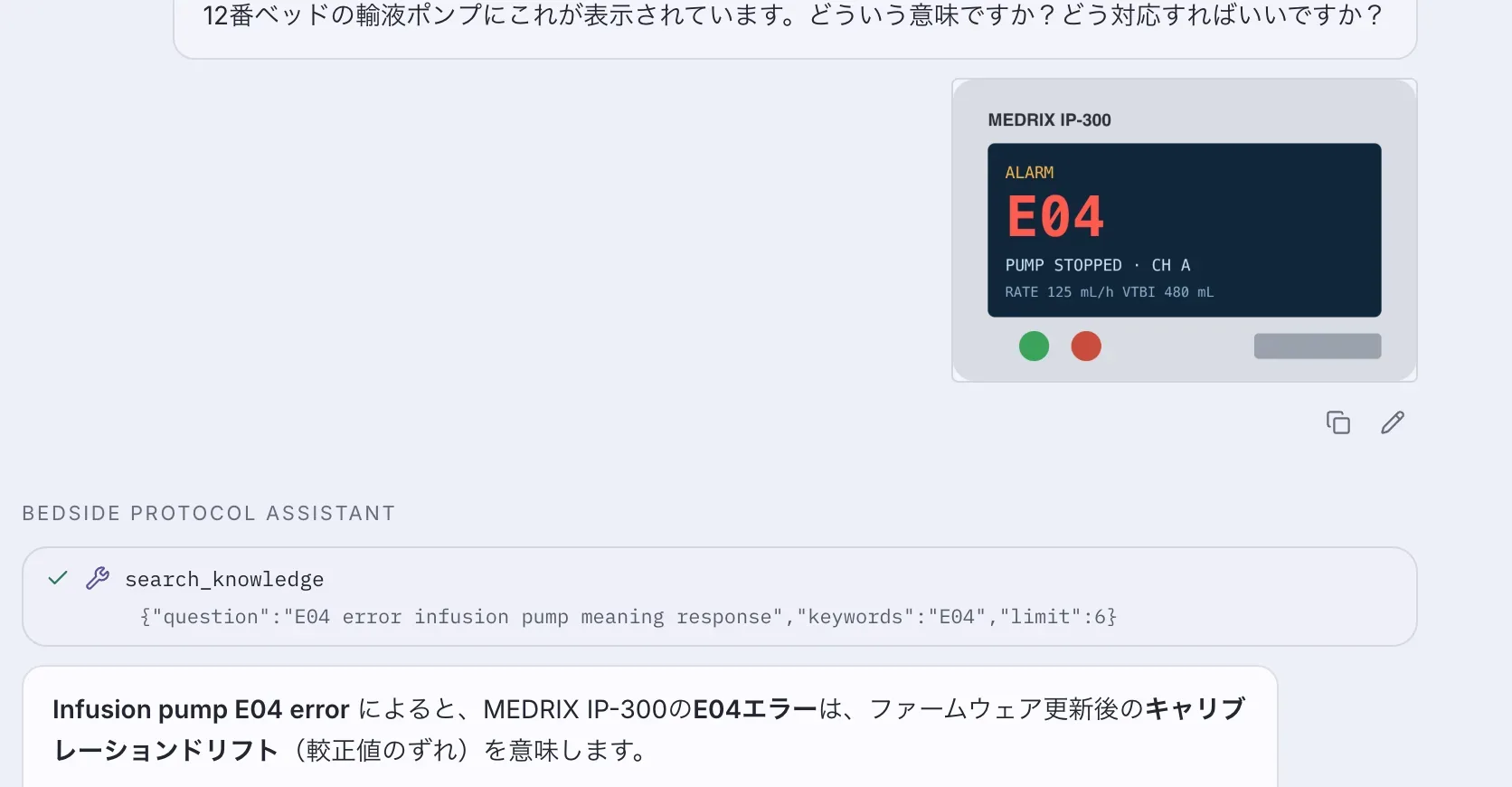
Attach a screenshot and ask about it. Your agent can use company documents to explain what it shows.
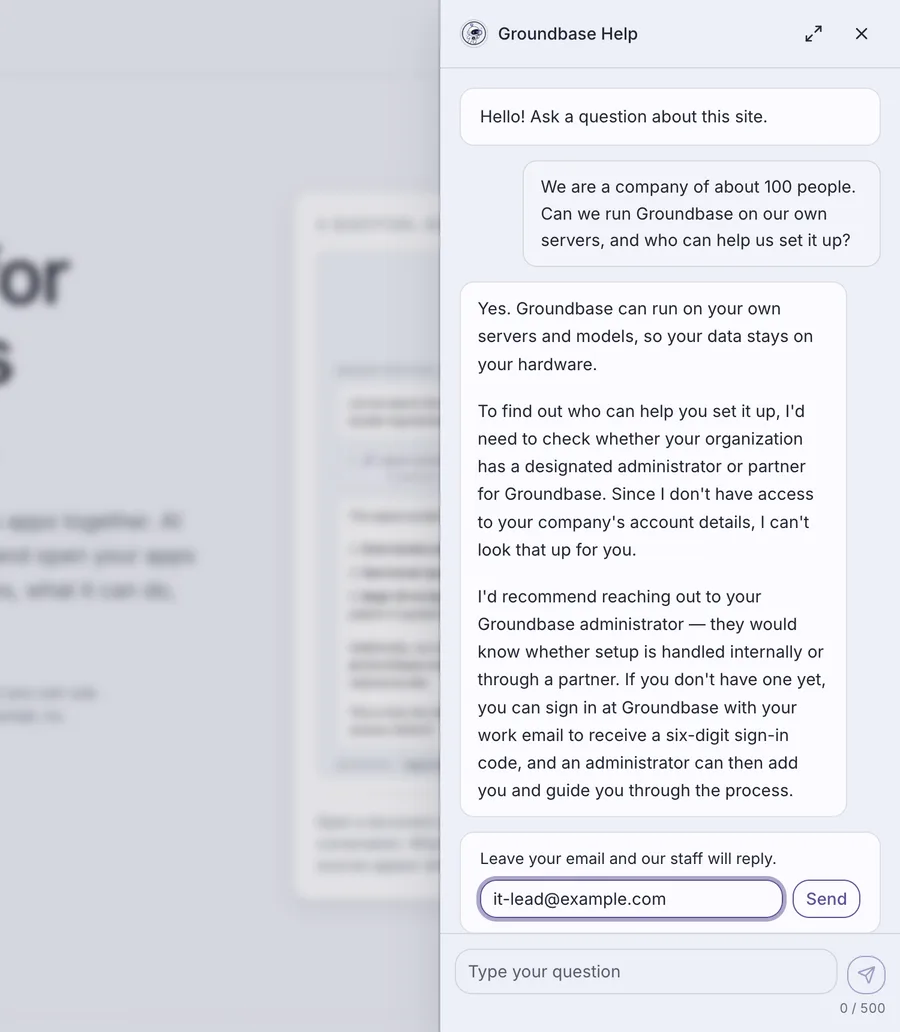
Add an AI help desk to your website. It answers only from what you make public and the key facts you give it, and your internal documents stay private.
Visitors ask without leaving your site, and answers come with sources. When a question needs a person, the visitor leaves an email.
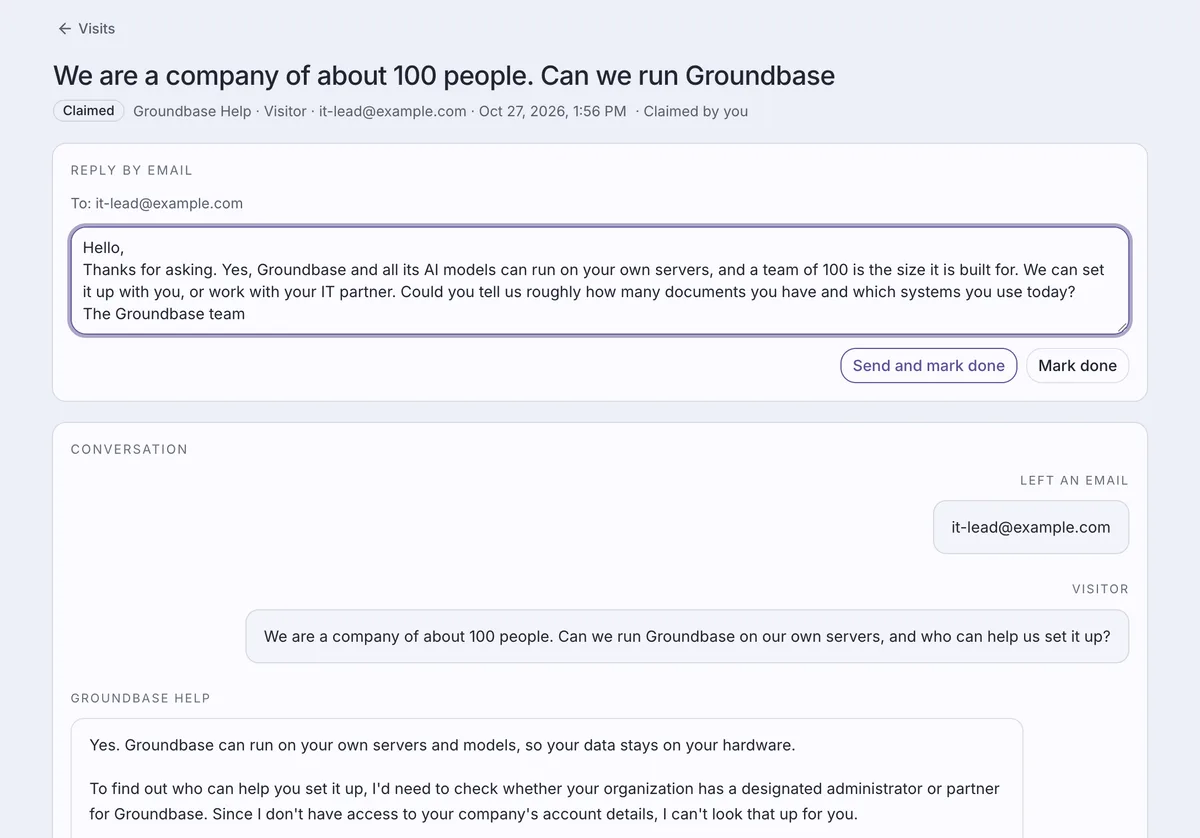
Your team reads the conversation, claims it, and replies by email from Groundbase. A good reply can become a public answer for the next visitor.
Visitors get answers in the language they ask in, even if your documents are in another.
Every conversation is saved. The team you assign can see what visitors asked and how they were answered.
Choose which websites can show the help desk, set usage limits, and decide how long conversations are kept.
Tell us what your team needs to find and do, or what you’d like to offer your customers. We’ll reply by email.